Learn & play
How to play Who Am I? online with friends
Distance does not change the best part: hearing your friends answer a question that suddenly makes your mystery name obvious.
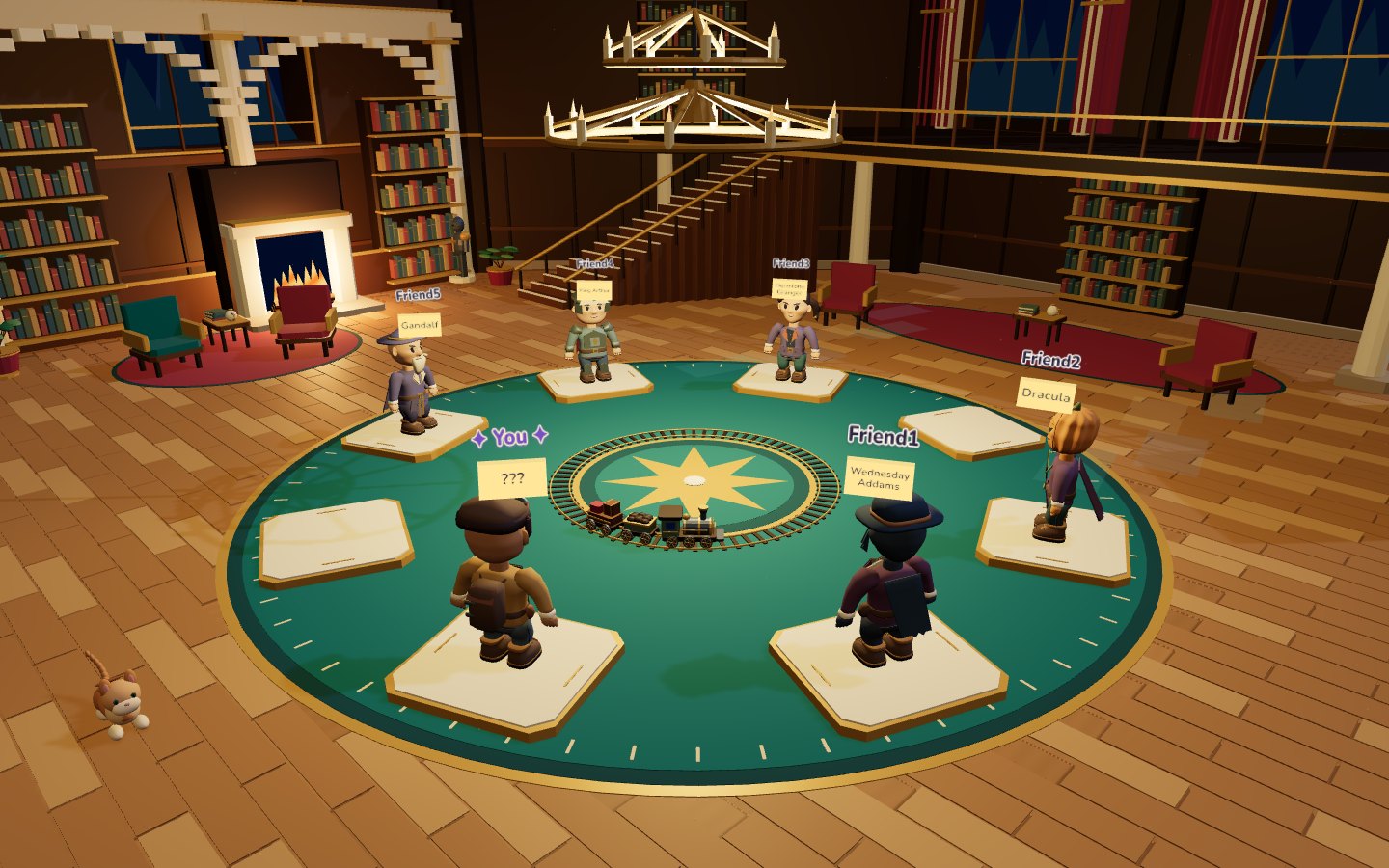
Set up a shared conversation first
An online Who Am I? game still relies on friends answering each other's questions. The browser displays the hidden names and tracks the game, while your group provides the conversation. PostitGuess does not supply built-in voice chat. Join a separate voice call, or use the game together while sitting in the same room.
Check that everybody can hear before assigning names. Headphones help avoid echo when several people join remotely. If a household has two players on separate devices, make sure the cameras and microphones do not reveal one player's screen to the other. Keeping your own identity hidden is part of the game.
Create a room and invite 2–8 players
On the homepage, choose a nickname and avatar. Create a game, give the room a name and add an optional password if your group wants one. Send friends the room invitation through the channel you already use to talk. They can join in their browser without installing the game or creating an account.
The regular multiplayer game supports 2–8 players. Wait in the lobby while everyone connects and checks their settings. If a friend cannot join, compare the room name and password before repeatedly creating new rooms. A clear invitation is simpler than maintaining several almost identical games at once.
The host can choose a map and the name-assignment mode in the lobby. A map changes the setting, not the basic deduction rules. For your first session, favour a category familiar to everybody rather than trying to maximize the difficulty immediately.
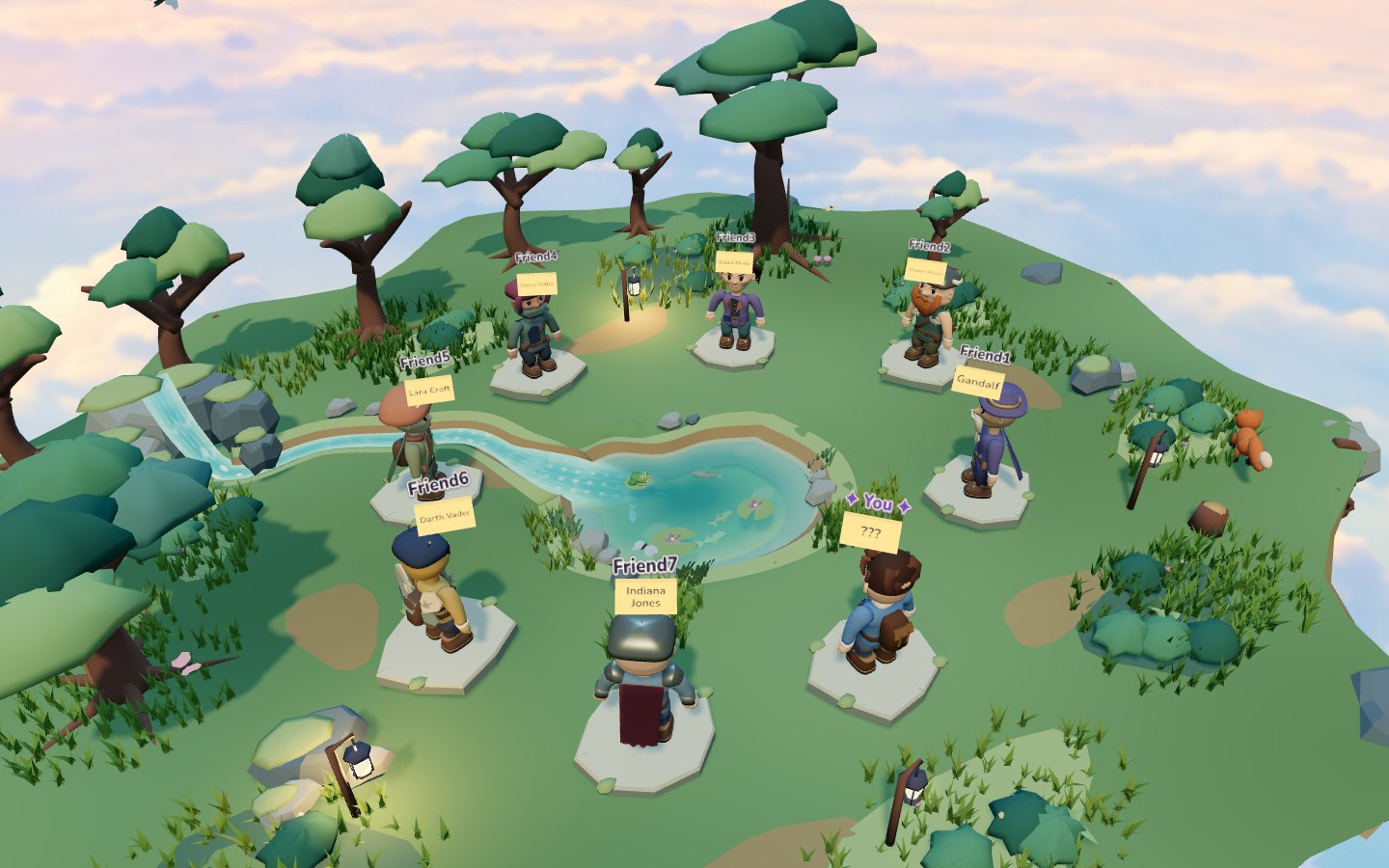
Choose Manual, Theme or Chaos
Manual is the personal option: players choose the names their friends will try to guess. In the assignment stage, follow the indicated recipient and validate your choice. The game waits for the required names before starting. A private joke works only if the recipient has a reasonable way to recognize it.
Theme supplies names automatically from one selected category. Animals, video-game characters or countries can make the starting point clearer. Chaos draws from mixed categories, so your first questions should establish whether you are a person, a fictional identity, an animal or a place. See the theme guide to decide what suits your group.
When entering a Manual name, keep it concise: the game allows up to 20 characters. Use a familiar unambiguous name rather than a long sentence or a clue disguised as an identity. This also makes the forehead note easier for others to read.
Play your turn through the interface
The active-player highlight tells you whose turn it is. Ask the group a yes-or-no question through your shared conversation, then listen for one clear answer. If you have a name in mind, enter it through the guess control. Guesses appear in the history and correct discoveries contribute to the results.
Use the turn control when it is time to pass according to the rhythm your group agreed on. Saying “no” out loud does not automatically change the active player. Keep an eye on the game's on-screen turn information instead of assuming the voice call controls the room.
If you are new to the mechanic, read the basic rules and example round before adding extra house rules. A short explanation at the start of the call is usually enough to let everyone begin confidently.
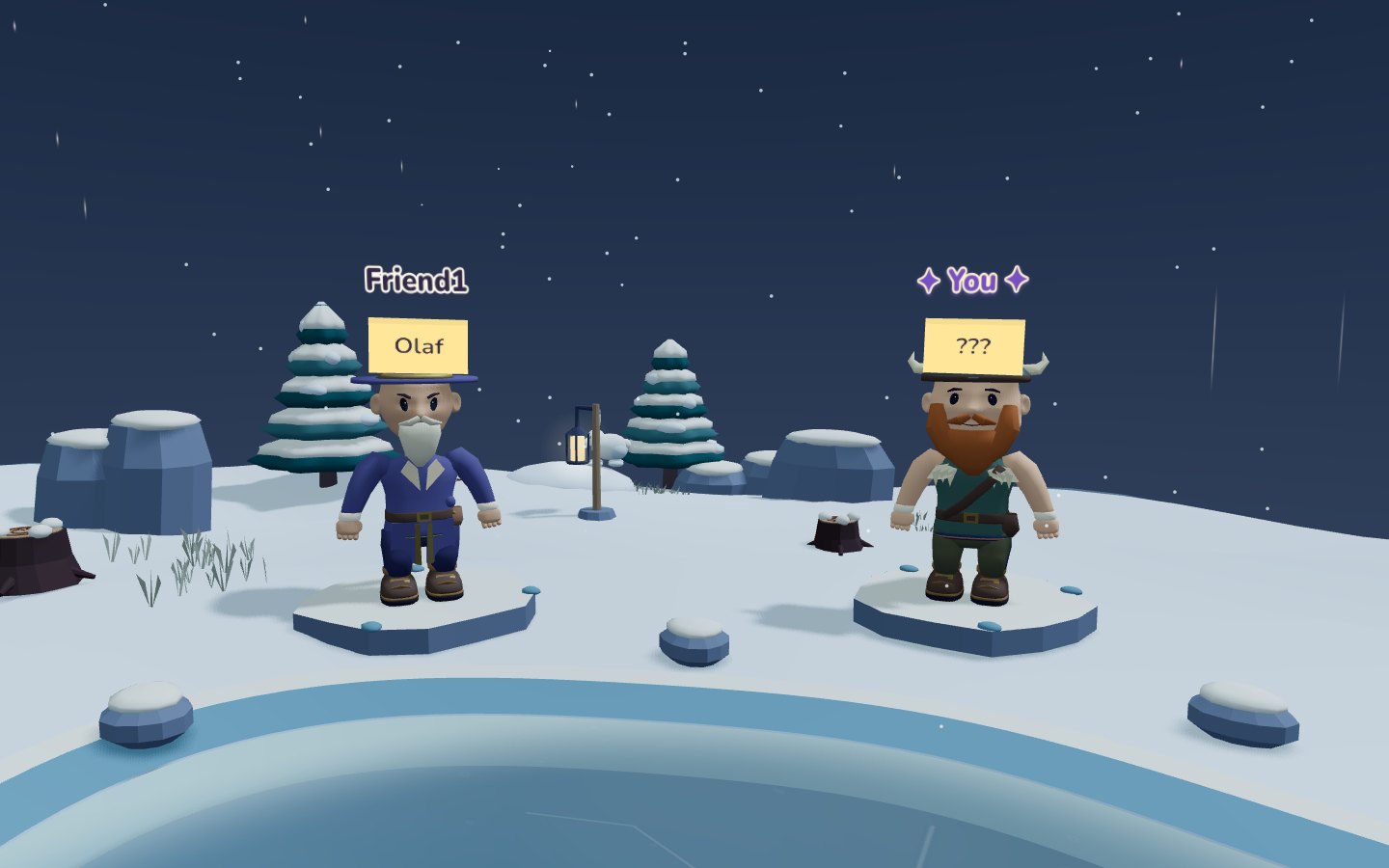
Keep remote play fair and readable
Avoid sharing a full screen that reveals your own name through somebody else's view. Do not inspect a friend's browser or send the answer privately to the guessing player. Shared screenshots can wait until the round has finished.
One person answering at a time is easier to understand than six overlapping voices. Let the group agree on uncertain details, especially when a character has several adaptations. The in-game text chat is useful for short messages, but do not post a hidden name there while its owner is still solving it.
If something interrupts the game
For an unreadable scene or low frame rate, use the site's performance help and graphics options. Close demanding tabs before asking everyone to restart. A smaller or slower device may need lighter settings even though it uses the same browser room as your friends.
For a disconnected player, first check their connection and room invitation. Do not promise that every browser interruption preserves every piece of local state; avoid refreshing repeatedly while the group is active. Communicate through your existing call so the others understand what has happened.
Finish together and plan the next round
Keep answering after you discover your own identity. The game can continue until the remaining players finish, and the final results give the group a shared conclusion. You can then replay with the same team and choose whether to stay with the theme or change the kind of names.
For a calmer next round, switch from mixed categories to a shared interest. For more surprises, try Chaos after everybody understands how to ask broad questions. Good remote play depends more on a clear conversation and fair names than on a complicated setup.