Learn & play
Play a Guess Who-style game online with friends
A familiar face, a secret identity and friends who know the answer. Here is a photo-based guessing game you can play together in a browser.
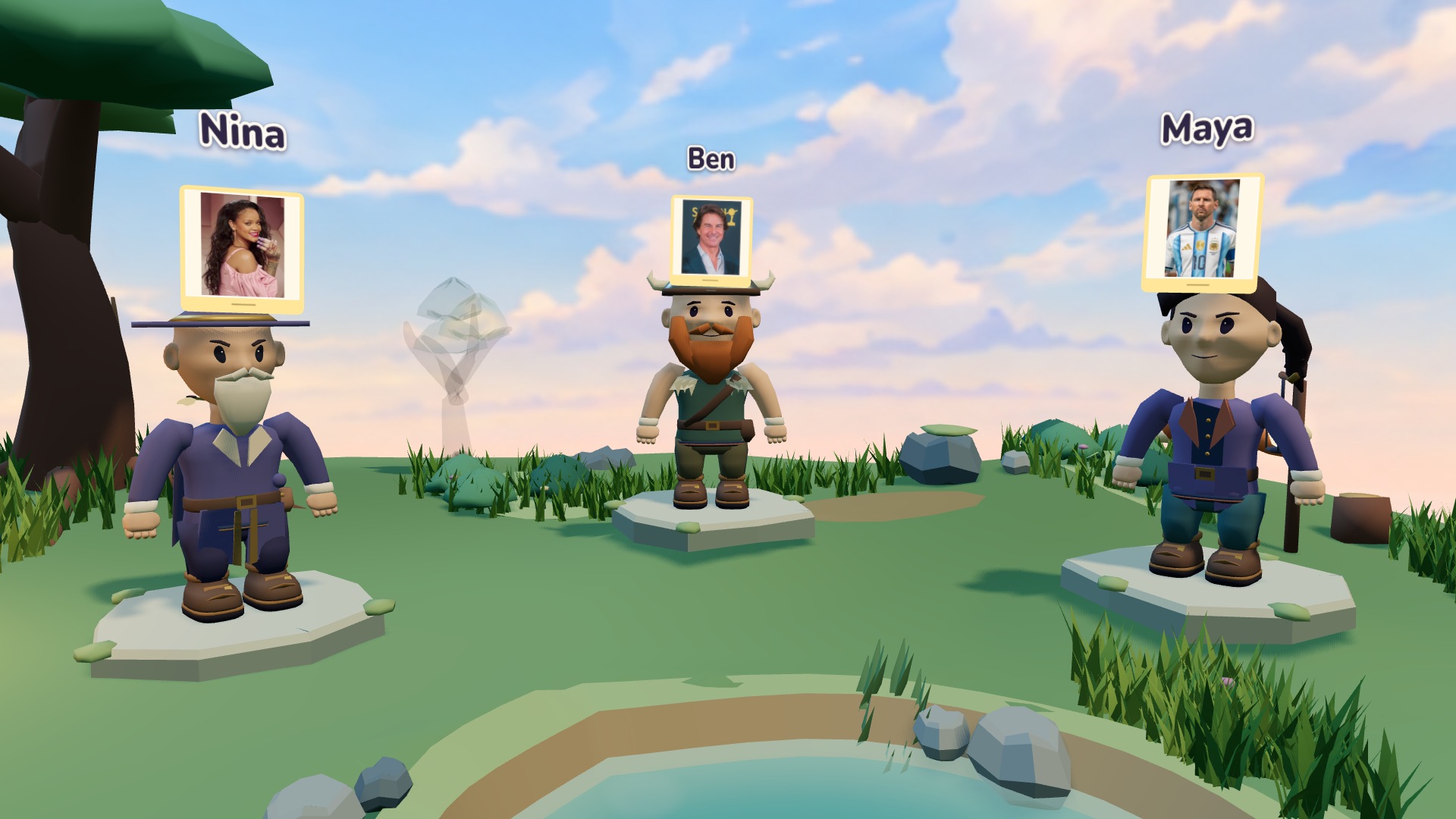
A face-guessing party with a different twist
If you enjoy narrowing down a mystery person with yes-or-no questions, picture mode in PostitGuess gives your group that familiar puzzle. Everyone wears a secret image above their avatar. Your friends can see yours, you can see theirs, and you ask questions to discover who or what you are.
This is a Who Am I? party game, not the official Guess Who? board game. You do not eliminate faces on a personal board or try to copy its rules. Each player has their own identity to solve, and the conversation between friends is the centre of the session.
Start with famous faces everyone knows
Create a room, choose Theme, then select Images under Guess with. Pick one of the categories that supports photos. The game draws from its curated local collection, so nobody needs to search the web while the others wait. Invite your friends with the room link and use a voice call for spoken questions.
Celebrities can be a useful first choice for a mixed group. Discuss the sort of people everybody recognises before starting: a singer familiar to one friend might be a complete mystery to another. Choosing a photo category changes the clues your friends can use; it does not remove the need to choose a fair difficulty.
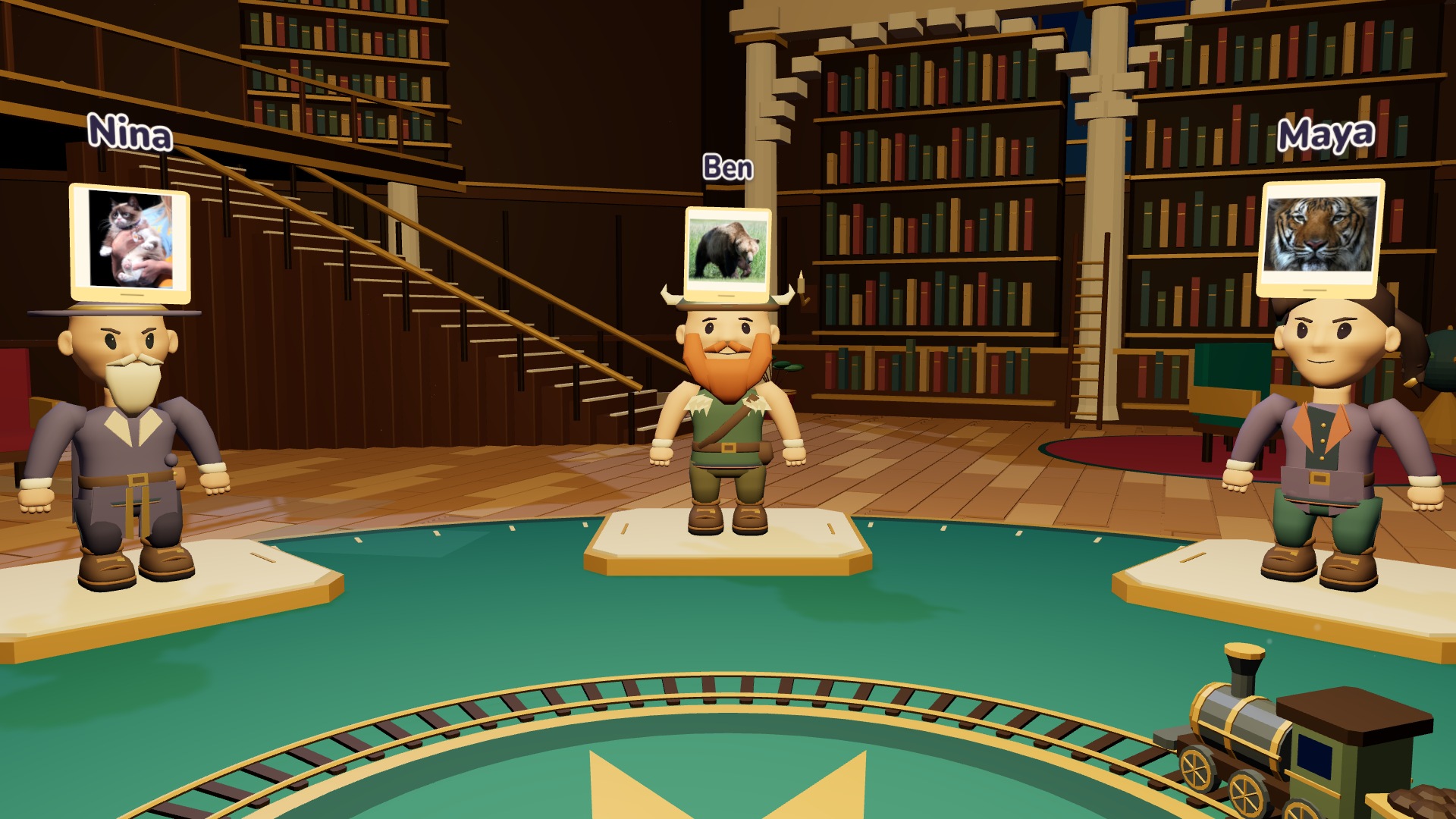
Make a round about your own group
For a more personal session, choose Manual and Images. Each friend supplies a picture and a secret answer for the assigned recipient. A friend's portrait, a familiar pet or an object from a shared trip can work. Use pictures you are comfortable sharing and ask the people shown before including their faces.
The answer needs to be recognisable and specific. If the picture shows your dog, decide whether the answer should be the dog's name or simply “dog”. Avoid a scene with five people and no clear subject. The custom-picture setup guide explains the upload and confirmation steps.
Ask about things the group can answer
Begin with a question that divides the possibilities: am I a real person, am I known for music, or do you know me in real life? Once the category is clear, ask about a useful detail. Clothing and hair can help, but a person's work or a shared memory may be a better clue than a tiny detail in the photo.
Ask one thing at a time. “Am I a singer from Britain with glasses?” contains three conditions, so a no tells you very little. Use separate questions and remember each answer. Our question examples are useful when a round gets stuck, and the in-game notepad helps you keep track.
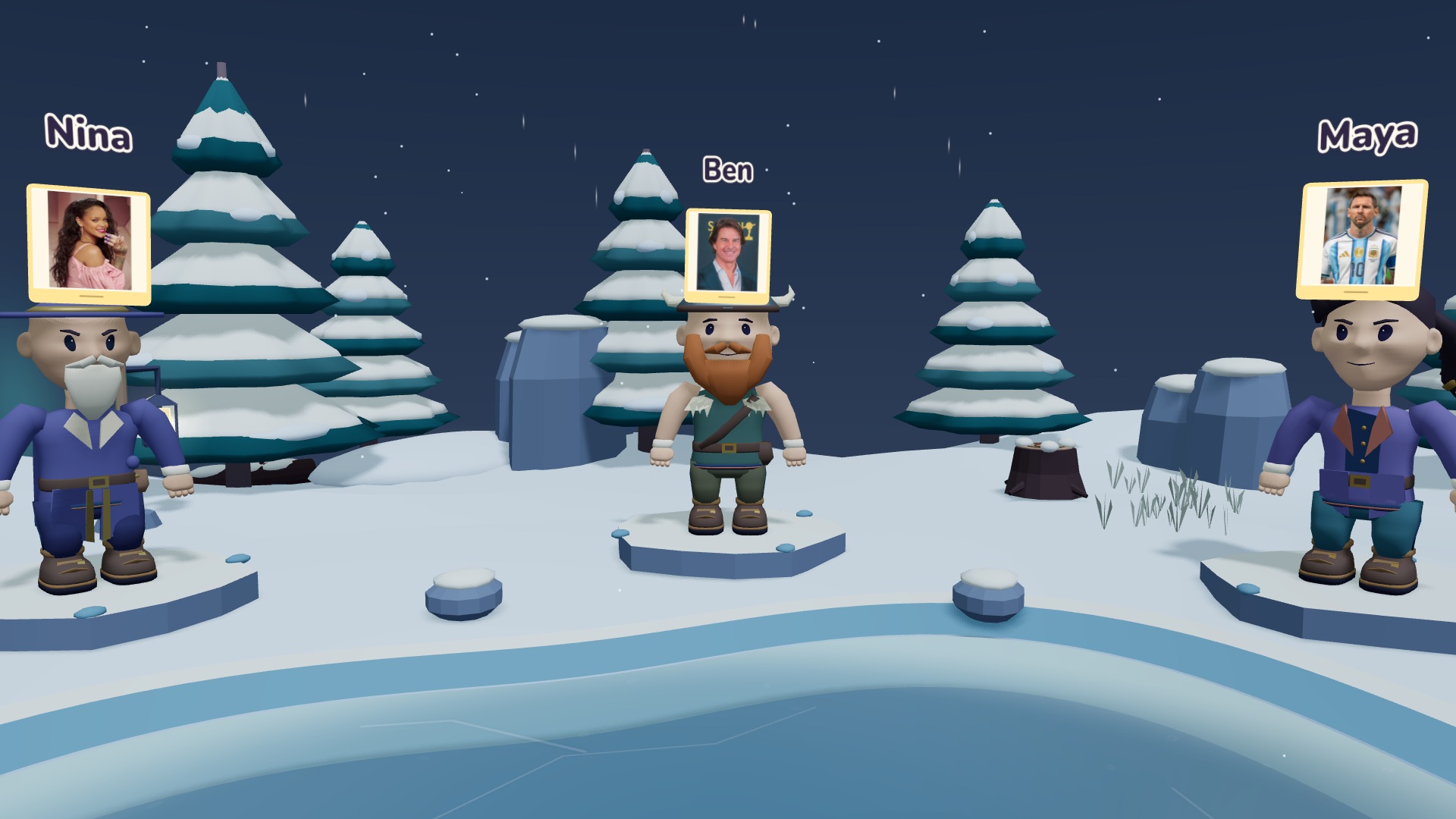
Keep the secret perspective fair
Your own card stays hidden until a successful guess. Switching between Overview and My POV changes the camera anchor, not that rule. Do not send a screenshot of another player's identity to that player or describe a detail you have agreed should stay a question.
Listen while somebody else is asking. The group can settle an unclear answer together, without shouting out the identity. When you have enough clues, type your guess. A successful player can keep answering questions for the friends who are still playing.
Choose the next round together
PostitGuess supports two to eight players in the browser. After the round, the recap keeps the picture identities alongside the avatars and results. You can play again with the same team, choose another supported photo theme, upload another set, or return to classic written names.
Keep the first round simple, then try a more personal collection once everyone understands the secret-card idea. Read the basic rules if you are introducing someone new, then create a room and bring the group into the same call.
People, animals or a funny picture
Use pictures instead of written names: Theme Images supplies ready-made famous faces, while Manual Images lets you upload your own pictures and choose the secret answers. Try a tiger, a bear, a funny meme photo or an everyday object; custom images do not have to be people. The player receiving a picture cannot see it until they guess successfully.